
How to schedule a hostel fee collection for a batch
Create a hostel fee collection with a start date and end date for one or more batches.
Steps
-
Go to Menu → Administration → Hostel → Fee Collection → Batch-wise Fee Collections.
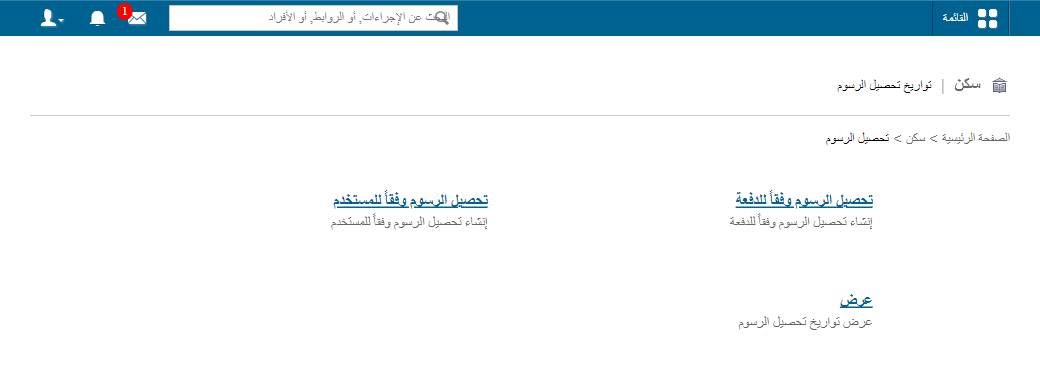
1Batch-wise Fee Collections page -
In the Name field, enter a name for the fee collection.
-
In the Start date field, select the date on which fee collection begins.
-
In the End date field, select the last date by which students must pay the fees.
-
Select the batches.
-
Click Create.
Related articles
Was this article helpful?
Thanks for your feedback!