
Generate the subject details report
See each subject's weekly classes, batch, elective status and exam availability for a batch, and export as CSV.
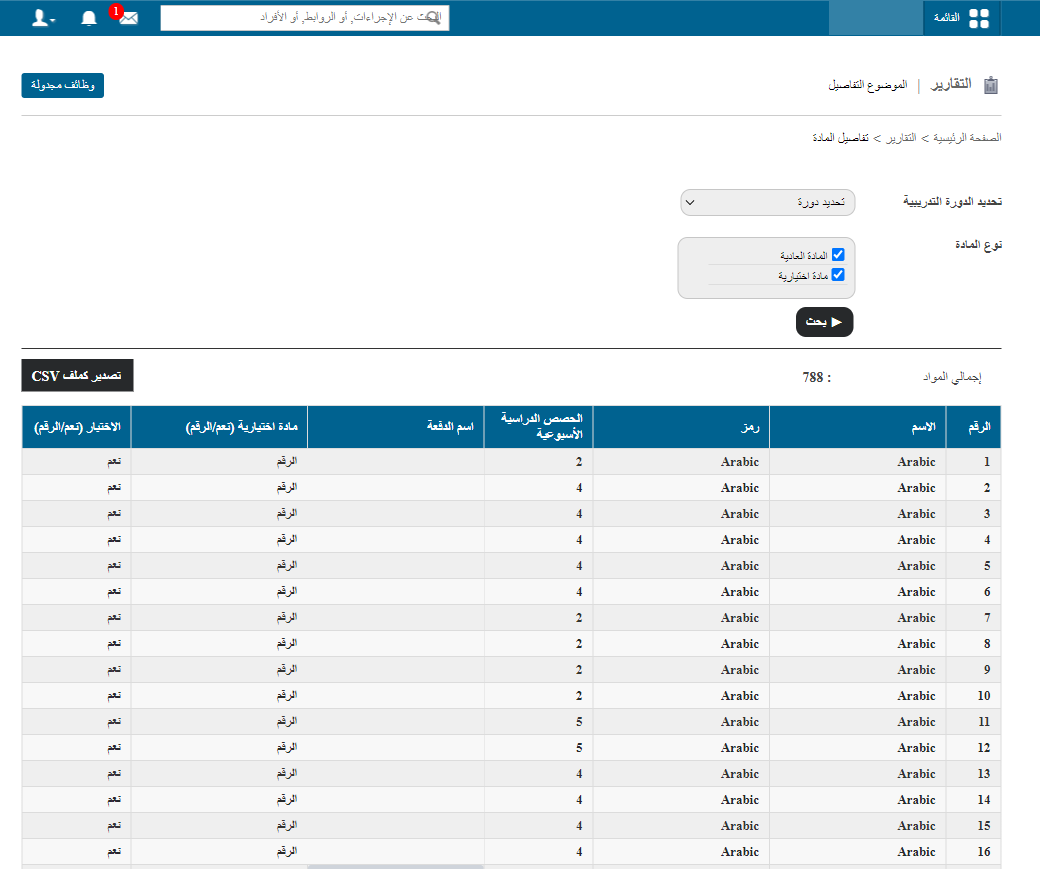
The Subject Details report shows subject information such as the number of classes per week, the batch the subject belongs to, whether it is an elective, and whether it has exams.
Generate the report
- At the top of your dashboard, click Menu → Data and Reports → Reports → Subject Details.
- Select the Course.
- Select the Batch.
- Optionally, filter by a specific subject type.
- Click Search.
Export the report
Click Export as CSV to export the subject details as a CSV file. This may take a while. When the file status changes from In Queue to Download, click Download and save the file to your computer.
Note: Keep refreshing the page until the download link appears.
Screenshot — to be added
public/images/articles/report-subject-details-2.pngRelated articles
Was this article helpful?
Thanks for your feedback!