
How to assign a student or employee to a route
Assign transport to students or employees by selecting their pickup and drop details on the Assign Transport page.
Steps
-
Go to Menu → Administration → Transport → Assign Transport.
-
Select Student or Employee:
- For students, select the course and batch.
- For employees, select the department.
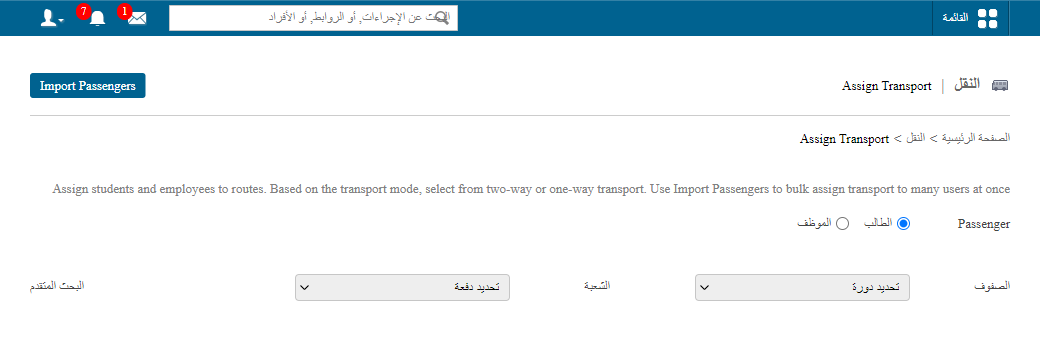
1Selecting students or employees to assign transport -
Click the person’s name and fill in the pickup and drop details.
-
Select Auto Update Fare if you want to apply the existing fare.
-
Click Assign.
Note: Students can be assigned to a vehicle even if no seats are available.
Tip: You can import passenger assignments in bulk using a CSV file.
Screenshot — to be added
public/images/articles/transport-assign-route-2.pngRelated articles
Was this article helpful?
Thanks for your feedback!