
How to change the route details for a student or employee
Remove a student or employee from their current vehicle and assign new route details.
Steps
-
Go to Menu → Administration → Transport → Assign Transport.
-
Select the search type:
- For students, select Student, then the course and batch.
- For employees, select Employee, then the department.
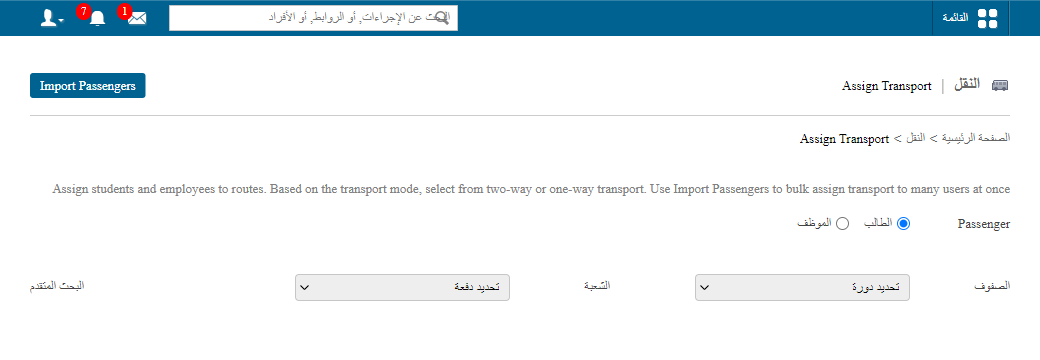
1Searching for students by course and batch Screenshot — to be addedpublic/images/articles/transport-change-user-route-2.png2Searching for employees by department -
Click Remove to unassign the person from their current vehicle.
-
Select the new options from the list, make your changes, and click Assign.
Screenshot — to be added
public/images/articles/transport-change-user-route-3.pngWas this article helpful?
Thanks for your feedback!