
How to set up a route
Create a transport route with its fare, vehicle, driver, attendant and stops with pickup and drop times.
You can create routes once all stops have been added. To record extra information on routes, first add custom fields under Menu → Administration → Transport → Settings → Route Additional Details.
Steps
Go to Menu → Administration → Transport → Routes to open the Route Details page.
-
Click Add Route in the top right to open the Add New Route page.
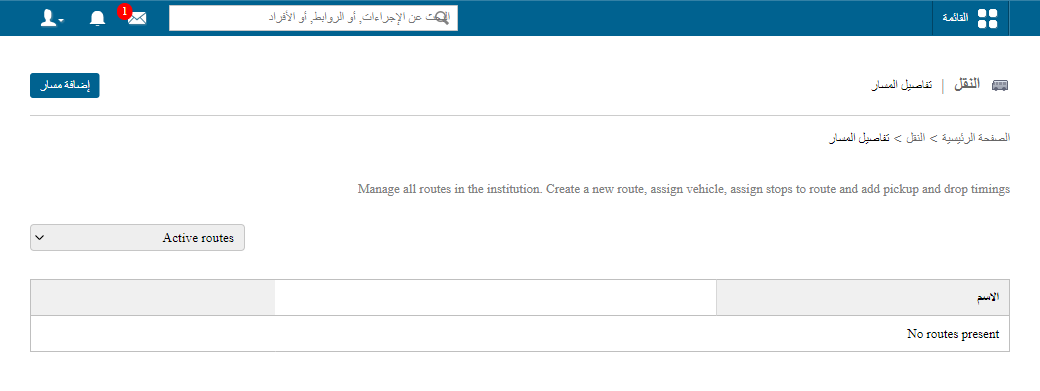
1The Add Route button -
In Name, enter the route name.
-
In Flat route fare, enter the fee to be paid.
-
Select the Vehicle, Driver and Attendant for the route.
-
Fill in the additional route detail fields.
-
Assign the stops, entering the Pickup Time, Drop Time, Distance and Fare for each.
-
Click Save.
public/images/articles/transport-set-up-route-2.pngRelated articles
Was this article helpful?
Thanks for your feedback!