
How to create a stop in the Transport module
Add new stops on the Stop Details page so they can be assigned to routes.
Go to Menu → Administration → Transport → Stops to open the Stop Details page.
Steps
-
Click New Stop to add a new stop.
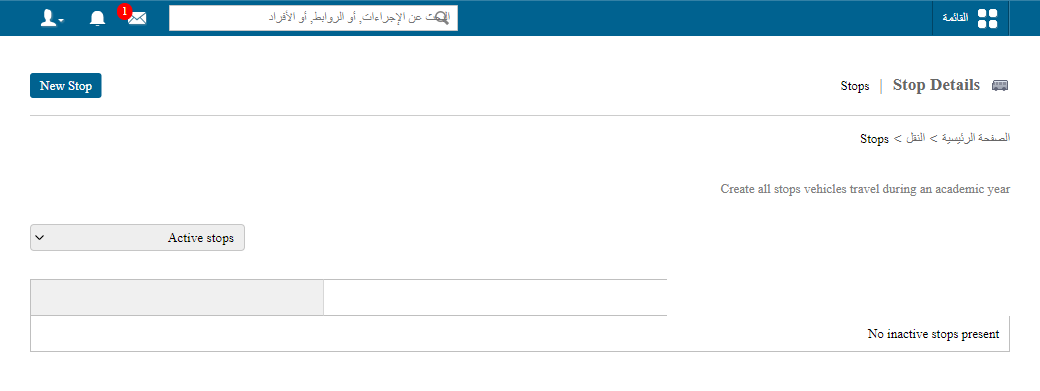
1The New Stop button -
Enter the stop details and click Save.
Screenshot — to be addedpublic/images/articles/transport-create-stop-2.png2Stop details form
Tip: Create all your stops before setting up routes. See How to set up a route.
Was this article helpful?
Thanks for your feedback!