
How to assign drivers and attendants
Mark employees as drivers or attendants so they can be assigned to transport routes.
Go to Menu → Administration → Transport → Drivers and Attendants to manage driver and attendant details.
Steps
-
Click Add Employees.
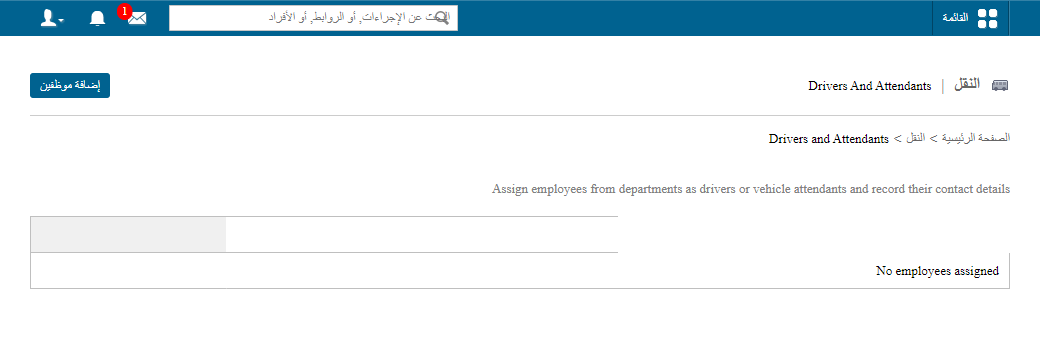
1The Add Employees button -
Select the department from the list.
Screenshot — to be addedpublic/images/articles/transport-drivers-attendants-2.png2Selecting the department -
Select the employee, change the Job field to Driver or Attendant, and click Save.
Screenshot — to be addedpublic/images/articles/transport-drivers-attendants-3.png3Setting the Job field to Driver or Attendant
Drivers and attendants can then be selected when you set up a route.
Was this article helpful?
Thanks for your feedback!