
How to correct or delete vehicle details entered by mistake
Fix wrong vehicle details by editing them, or delete the vehicle if no other data depends on it.
If you entered wrong details for a vehicle, you can edit or delete it.
Go to Menu → Administration → Transport → Vehicles to open the Vehicle Details page.
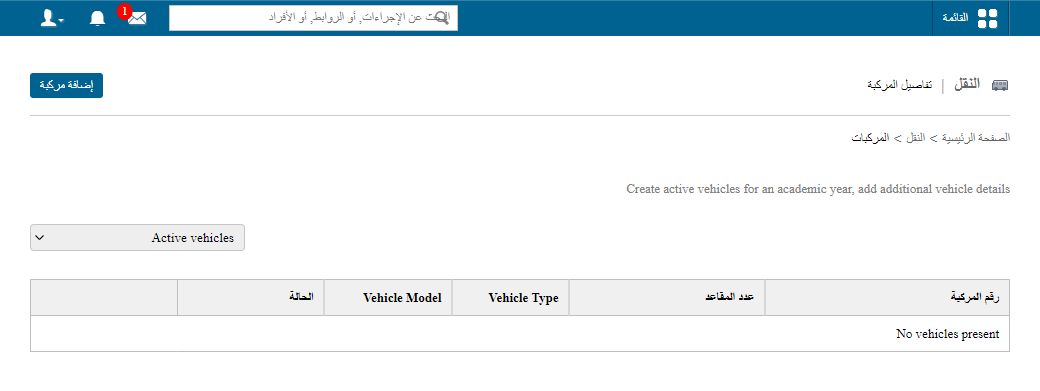
Steps
- Click Edit beside the vehicle to change its details, or
- Click Delete beside the vehicle to remove it.
- Click Save.
Note: A vehicle can be deleted only if no other data depends on it.
Screenshot — to be added
public/images/articles/transport-correct-vehicle-details-2.pngWas this article helpful?
Thanks for your feedback!