
How to edit and update an employee's payroll
Update an employee's salary structure after the payroll group changes, comparing old and new.
When a payroll structure changes — for example a new earning is added to the group — update the employees’ payroll.
- Click Menu → Administration → Human Resource → Payroll and Payslip Management → Payroll Groups.
- Click Employees next to the group. Employees with outdated payroll show a red icon.
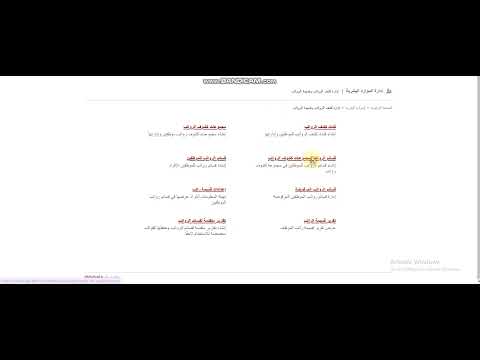
- Click View payroll.
- Click Edit Payroll. You can edit the previous structure or apply the group’s latest changes.
Screenshot — to be added
public/images/articles/update-employee-payroll-2.png- Click Apply latest payroll group changes at the top. The previous and new structures appear side by side.
Screenshot — to be added
public/images/articles/update-employee-payroll-3.png- Adjust the new structure if needed, then click Assign payroll.
Was this article helpful?
Thanks for your feedback!