
How to archive or delete an employee account
The difference between archiving an employee who leaves and permanently deleting their records, and what blocks deletion.
Two options are available when archiving or deleting an employee account:
| Option | What happens |
|---|---|
| Employee leaving the institution | The employee is archived and moved to former employees. |
| Remove employee records | All their data is deleted permanently; the account can’t be restored. |
Important: Unlike students, archived employee accounts can’t be reverted to active.
Note: An employee with data in other modules can’t be deleted until that data is removed. Some data can’t be removed — for example, an employee with approved payslips can’t be deleted.
Steps
- Click Menu → Administration → Users to open Manage Users.
- Search for the employee and click their name.
- Click View Profile.
- Click Delete at the top.
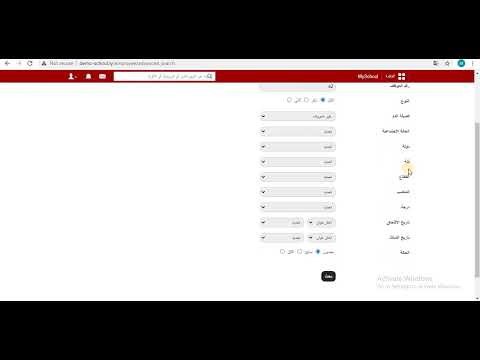
The Remove employee page opens.
Screenshot — to be added
public/images/articles/archive-delete-employee-2.png- Choose:
- To archive: select Employee leaving the institution, enter the reason and click Delete.
- To delete permanently: select Remove employee records and click OK.
Screenshot — to be added
public/images/articles/archive-delete-employee-3.pngWas this article helpful?
Thanks for your feedback!