
How to change or remove a batch tutor
Remove the current batch tutor or replace them with another employee.
- Go to Menu → Administration → Settings → Manage Course/Batch → Manage Course (or Manage Batch).
- Select the course, then the batch.
- Click Manage → Assign Tutor at the top.
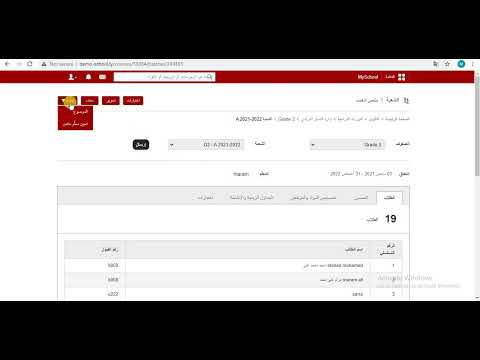
The current tutor is shown.
Screenshot — to be added
public/images/articles/change-batch-tutor-2.png- Select the employee’s department.
- Click Remove next to the employee.
Screenshot — to be added
public/images/articles/change-batch-tutor-3.pngTo assign a new tutor, click Assign next to the new employee. See How to assign a tutor to a batch.
Was this article helpful?
Thanks for your feedback!