
How to add payroll categories
Create salary components — earnings and deductions — as fixed values, formulas or conditions.
An employee’s salary is made up of components called payroll categories. Their values can be fixed or vary by formulas and conditions, and one category’s formula can depend on others.
There are two types:
| Type | Description | Examples |
|---|---|---|
| Earnings | Amounts paid to the employee for their work. | Basic salary, allowances, bonus. |
| Deductions | Amounts withheld by the institution. | Social security, income tax. |
Example: Basic can be calculated as 40%GROSS.
Steps
- Click Menu → Administration → Human Resource → Payroll and Payslip Management.
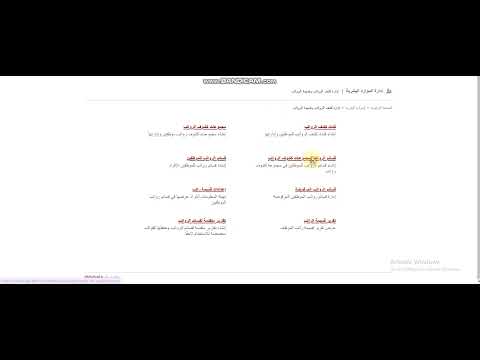
- Click Payroll Categories.
Screenshot — to be added
public/images/articles/payroll-category-2.png- Click Create payroll category at the top.
Screenshot — to be added
public/images/articles/payroll-category-3.png- Enter:
- Category name as it appears on payslips.
- A unique category code, used in calculation rules.
- Category type: earning or deduction.
- Value type:
- Numeric: a fixed amount.
- Formula: a formula using the category codes listed on the side.
- Conditions with formula: use IF with operators to return one value if a condition is met and another if not. Add as many conditions as you need.
- Click Create category.
Screenshot — to be added
public/images/articles/payroll-category-4.pngNext step: How to create a payroll group
Was this article helpful?
Thanks for your feedback!